Zero Lag Guide: Simple Phone Settings for Smooth Play
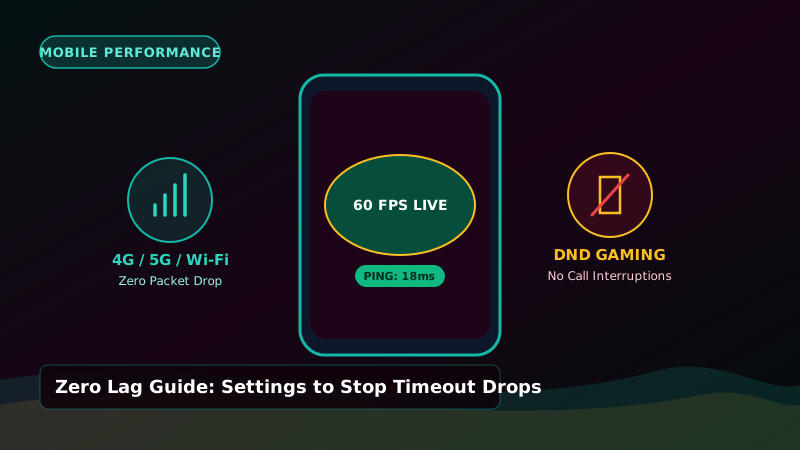
Why Phone Lag is Bad in 3 Patti
In Teen Patti Club, every player gets about 15 to 20 seconds to take their turn. If your phone lags, freezes, or disconnects right during your turn, the timer can expire and the game will auto-fold your cards.
Here are 4 super easy phone tricks you can do in 2 minutes to make sure your phone runs super fast with zero lag.
4 Quick Settings on Your Android Phone
| Setting | Where to Find It | Why It Helps |
|---|---|---|
| Turn Off Battery Saver | Settings > Battery > Teen Patti Club > Unrestricted | Stops Android from putting the app to sleep during a round. |
| Turn On Game Mode / DND | Settings > Special Features > Game Turbo | Blocks incoming phone calls and WhatsApp pop-ups during your turn. |
| Clear Cache Weekly | Settings > Apps > Teen Patti Club > Clear Cache | Removes temporary junk files so the app opens instantly. |
| Use Good Network | Connect to 5 GHz Wi-Fi or solid 4G/5G | Gives you low ping (under 60ms) with zero disconnect drops. |
One Last Network Tip
Do not play cash tables while traveling on a moving train or bus through weak coverage areas. When your phone switches towers, internet can cut out for 5 seconds, which might cause an accidental auto-fold. Always play when you have steady internet.